Environment assessment
Review the Sage Evolution version, available data access and existing configuration. Establish what can be supported before choosing the integration approach.

Accounting System Integration · Zimbabwe
Put your Sage Evolution information to work across the business.
Scope connections around your Sage Evolution environment, from access to operational records through reporting and specialised business workflows.
The business need

Sage Evolution may hold information that other teams need, while daily reporting or follow-up still relies on repeated exports and manual preparation. Africube assesses your Sage Evolution environment and the specific information your business needs to use. We define a connection around the relevant records, business rules and destination. The work starts with your actual version, hosting arrangement and available access, so the proposed integration has a clear technical and operational scope.
Scope & capabilities
Review the Sage Evolution version, available data access and existing configuration. Establish what can be supported before choosing the integration approach.
Identify the records and fields needed for the business requirement. Agree how identifiers, dates, values and document relationships will be interpreted by the receiving process.
Make agreed source information available to a reporting or analytics solution. Define the measures and refresh requirements with the team that will use the information.
Assess how Sage Evolution information can support another application or operational process. Confirm the destination, permitted data access and direction of any exchange in the project scope.
Check representative results against the source records with your team. Document the connection, field mapping and assumptions so the agreed behaviour can be reviewed.
The approach
A typical workflow, aligned to the agreed scope and configuration.
Review the Sage Evolution environment and the outcome you need.
Agree the source records, data meanings and destination requirements.
Implement the scoped connection and check its outputs against sample records.
Explain the operation, documentation and responsibilities for the connection.
Project outputs
The agreed source information, destination, access requirements and expected behaviour.
A connection for the assessed Sage Evolution environment and the workflow in scope.
Documented checks, field definitions and operating information for your team.
Before we scope the work
Each integration is assessed against the Sage Evolution version and configuration in use. Confirm the information to be accessed, who may use it, how current it needs to be and the receiving system. Any required permissions, interfaces and data exchange are included in the agreed scope.
Useful answers
Compatibility must be assessed for your version, configuration and available access. Share those details so Africube can confirm a suitable approach; the service does not assume that every environment supports the same connection.
Africube can assess the records needed for your dashboards and how they can be accessed. Data preparation, measures, refresh frequency and dashboard delivery are then defined in the project scope.
This service focuses on the Sage Evolution environment and its role in your business. General systems integration covers connections between other applications, including projects where several sources and destinations are involved.
Related solutions
These offerings address related needs. Any connection between systems is assessed and scoped separately.

Fiscalisation Integration
Integrate invoice information from a supported accounting system with a defined ZIMRA FDMS workflow, with access and configuration assessed for your business.
Explore solution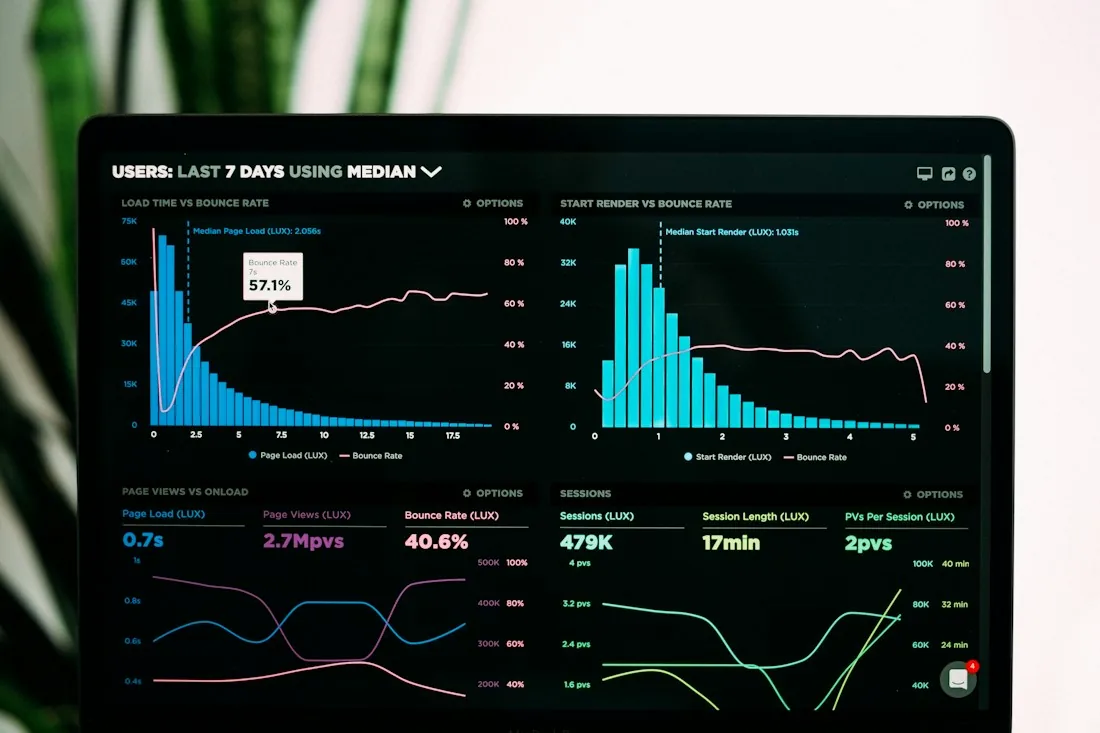
Management Information & Analytics
Bring agreed measures and operational records into dashboards that help managers explore performance and decide where to focus.
Explore solution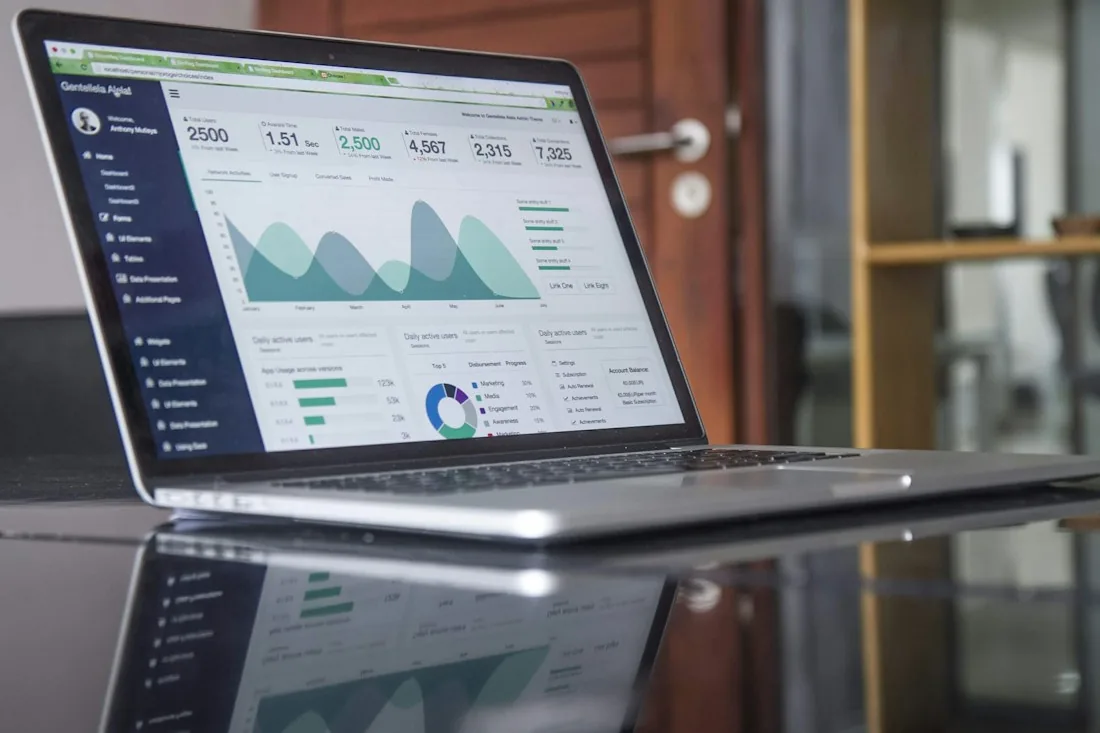
Business Reporting Automation
Turn an agreed reporting requirement into a defined process for preparing, formatting and delivering business information.
Explore solution
Business Systems Integration
Connect applications around defined data flows, field mappings and business rules, with compatibility assessed for the systems you use.
Explore solutionYour next step
Tell us what you use today, what needs to work better and where you want to go.