A storefront driven by your own items
Your own items, prices and stock positions drive the storefront customers browse and order from.

Online Ordering · Zimbabwe
Let customers order from you outside trading hours.
A storefront driven by your own items, prices and stock positions. Customers browse and order online, and checkout hands off to your payment arrangement or the order reaches your team ready to fulfil.
Overview
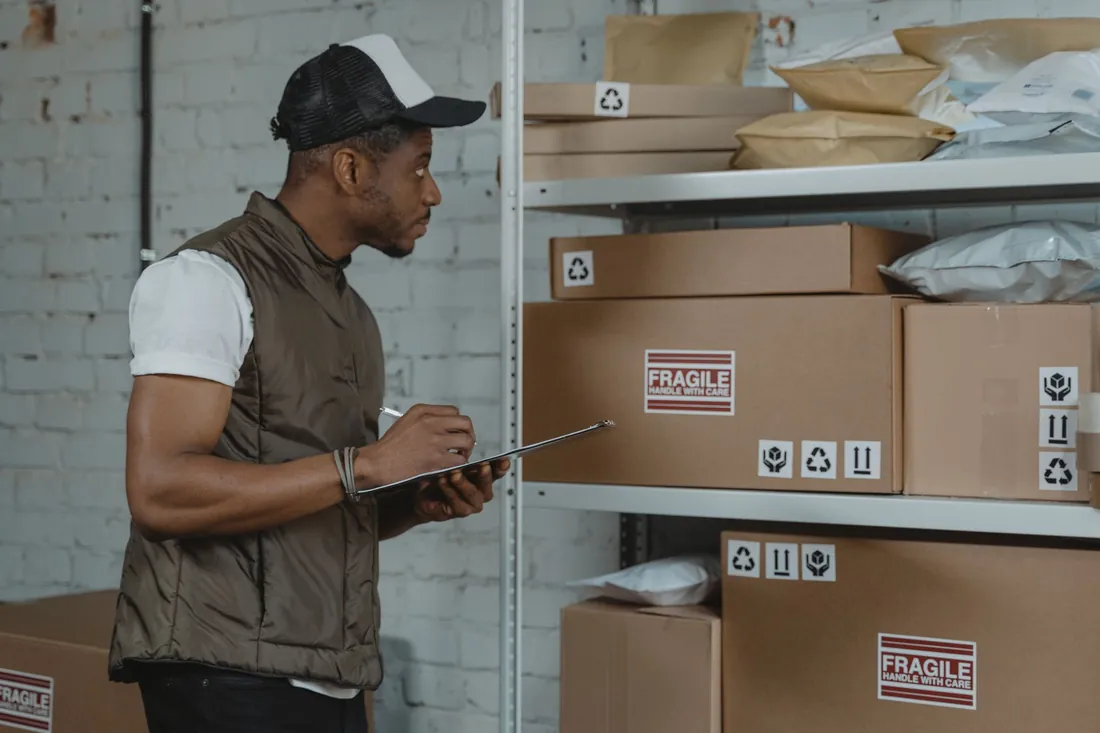
The Online Store turns the items you choose to publish into a storefront customers can browse and order from outside trading hours, at the prices and stock positions you set. How an order is paid depends on the arrangement you already have, and is confirmed against your setup before implementation. Run the Loyalty App alongside it and a customer keeps one member record whether they order online or buy at the counter.
Core capabilities
Your own items, prices and stock positions drive the storefront customers browse and order from.
Customers can browse and order while the shop is closed, so someone can buy from you at midnight without waiting for the doors to open.
Where you have your own payment arrangement, checkout can hand the customer to it; where you do not, the order is captured and reaches your team ready to fulfil. Which of the two applies is confirmed against your setup before implementation. Africube does not hold or process funds.
Run alongside the Loyalty App, a customer who orders online and a customer who walks into the shop are the same member with one balance. What they buy in either place earns into that balance, and what they hold can be spent in either place. Members can be enrolled at checkout.
How the workflow works
A typical workflow, aligned to the agreed scope and configuration.
Confirm against your setup how an online order is paid, and who on your team receives and fulfils it.
Choose the items you want sold online and publish them to the storefront.
Customers browse the storefront and order, and checkout follows the arrangement confirmed in the first step.
Where the Loyalty App runs alongside, sales post to the member's record whether they happened online or at the till.
Configuration & connections
Setup starts with how an online order is paid and fulfilled. That depends on the arrangement you already have and is confirmed against your setup before implementation. You then choose what is published online. Where you run the Loyalty App, online and in-store purchases earn into one member balance. Anything touching a fiscal receipt runs through your ZIMRA FDMS setup and is scoped separately.
Useful answers
Where you already have a payment arrangement, checkout can hand the customer to it. Where you do not, the order is captured and reaches your team ready to fulfil, and the customer settles the way they do today. Africube does not hold or process funds. Which applies to you is confirmed against your setup before implementation.
Yes, and that is the point of it. Customers can order when your counters are closed, and how each order is paid follows the arrangement confirmed for your business.
Only the ones you choose to publish for sale online, so items you would rather keep in store stay off the storefront. Bring details of where your items and prices are held today, and in what format, to the demonstration.
Where you run the Loyalty App alongside it, yes. Purchases online and at the till post to the same member record, so the customer earns into and spends from one balance in either place.
The Online Store is a ready-made app, supplied, implemented and supported by Africube. Where you need a store designed and built to your own specification, that is Africube's e-commerce development service, scoped separately in writing.
Related solutions
These offerings address related needs. Any connection between systems is assessed and scoped separately.

Customer Loyalty Software
A loyalty scheme for retailers and wholesalers. Members earn on rules you set, trade accounts earn over a period, and the reporting leads with what the scheme owes.
Explore Loyalty App
Retail Point of Sale
Consolidated POS runs retail tills and wholesale trade counters, the stock behind them, the cash-up at the end of each shift and the reporting on top.
Explore Consolidated POS
E-commerce Websites
Plan and build an online store, custom-built or on WordPress and WooCommerce, around your catalogue, your customers and the way orders reach your team.
Explore E-commerce DevelopmentYour next step
Tell us what you use today, what needs to work better and where you want to go.