Handle different service channels
Record dine-in, takeaway and delivery orders through the restaurant system. Keep the order tied to the service being provided so staff can coordinate the next step.

Restaurant Management / Restaurant POS · Zimbabwe
Keep orders, kitchen work and stock on the same page.
Manage restaurant orders, kitchen tickets, menus and stock with workflows built around daily service.
Overview
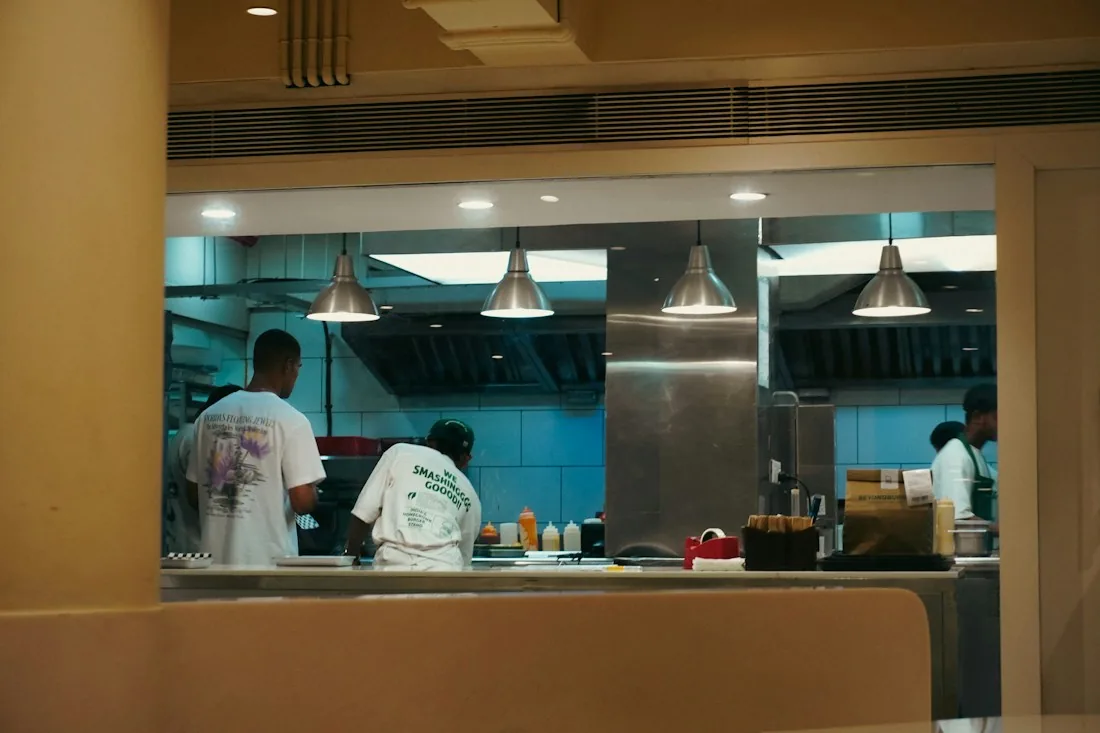
Restaurant Management connects front-of-house order handling with kitchen instructions and stock administration. Support dine-in, takeaway and delivery service in one restaurant workflow, with the menu and inventory information managers need to follow trading activity. Africube works with Zimbabwean operators to define the setup around their service model, kitchen process and reporting requirements.
Core capabilities
Record dine-in, takeaway and delivery orders through the restaurant system. Keep the order tied to the service being provided so staff can coordinate the next step.
Use kitchen order tickets, often called KOTs, to communicate what needs preparation. Give front-of-house and kitchen staff a consistent order reference during service.
Manage the menu information used when staff take orders. Keep the items being sold organised so day-to-day order handling reflects the restaurant's offering.
Maintain restaurant inventory and review availability as part of daily operations. Ingredient-level monitoring depends on the inventory setup agreed for the outlet.
Recipe management is an available configuration to discuss with Africube. Confirm the recipe records and relationship to ingredient usage needed for your kitchen before including this module.
Use inventory records and usage information to support stock checks and operational review. Define who records stock activity and how managers investigate differences.
How the workflow works
A typical workflow, aligned to the agreed scope and configuration.
Maintain the items that staff will use to take customer orders.
Record the customer's dine-in, takeaway or delivery request.
Pass the recorded preparation requirements to the kitchen.
Use the order information to coordinate serving, collection or delivery.
Follow recorded inventory and, where configured, ingredient usage.
Use sales and stock information to assess daily restaurant operations.
Reporting & visibility
Review recorded sales and orders to understand the activity handled by the restaurant.
Use item sales information when reviewing the menu; agree the required report detail during setup.
Follow inventory information, with ingredient and recipe reporting included where configured.
Configuration & connections
Discuss your service channels, menu structure, kitchen ticket process and stock controls with Africube. Recipe management, document devices, remote access and any third-party delivery connection are assessed against the configuration your restaurant needs.
Discuss your requirementsUseful answers
Yes. The product supports dine-in, takeaway and delivery workflows. Africube can demonstrate how the order process fits your restaurant's mix of service channels.
Recipe management is available depending on the selected configuration. Discuss your recipes, ingredient records and usage-monitoring needs so Africube can confirm the appropriate scope.
Integration with supported third-party delivery platforms may be available. Tell Africube which platform you use so compatibility and the required order flow can be confirmed.
Related solutions
These offerings address related needs. Any connection between systems is assessed and scoped separately.
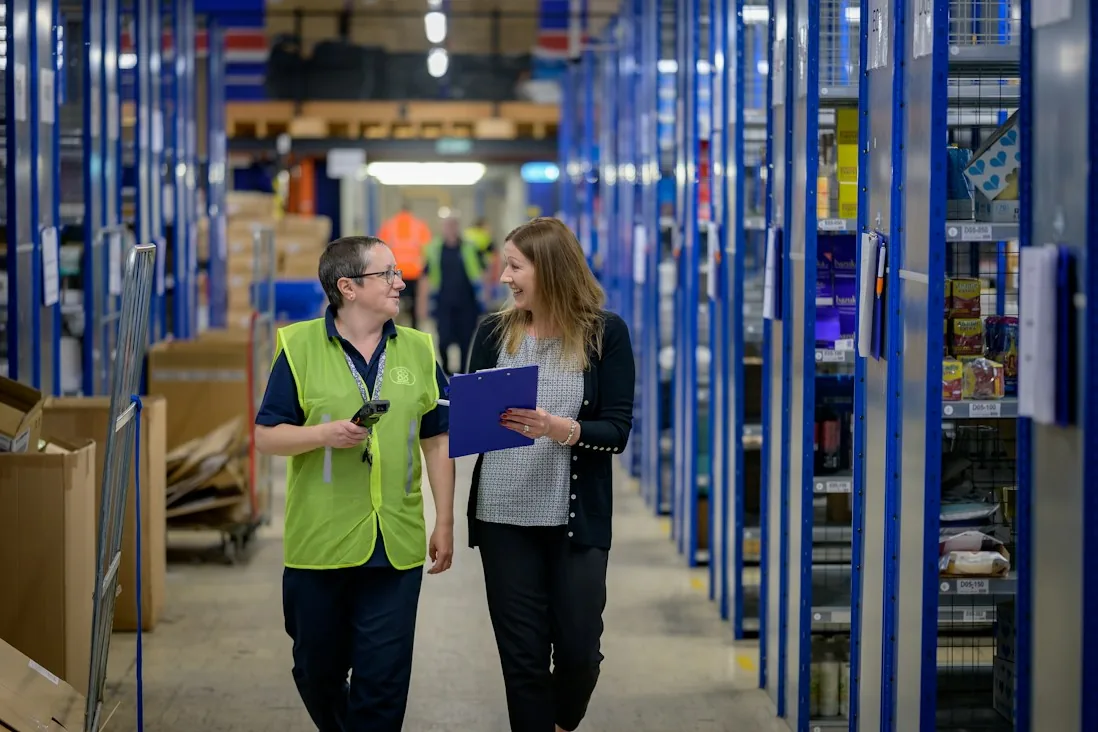
Inventory & Warehouse Management
Connect purchasing, receiving, warehouse movements and stock reporting in an inventory management system for Zimbabwean businesses.
Explore solution
Fiscalisation Integration
Integrate invoice information from a supported accounting system with a defined ZIMRA FDMS workflow, with access and configuration assessed for your business.
Explore solutionYour next step
Tell us what you use today, what needs to work better and where you want to go.