Organise fleet operations
Manage vehicles as part of the transport workflow. Keep fleet activity connected to the distribution tasks being planned and carried out.

Plan routes, assign vehicles and drivers, and follow delivery work after dispatch.
Coordinate fleet activity, route planning, driver assignments and delivery operations.
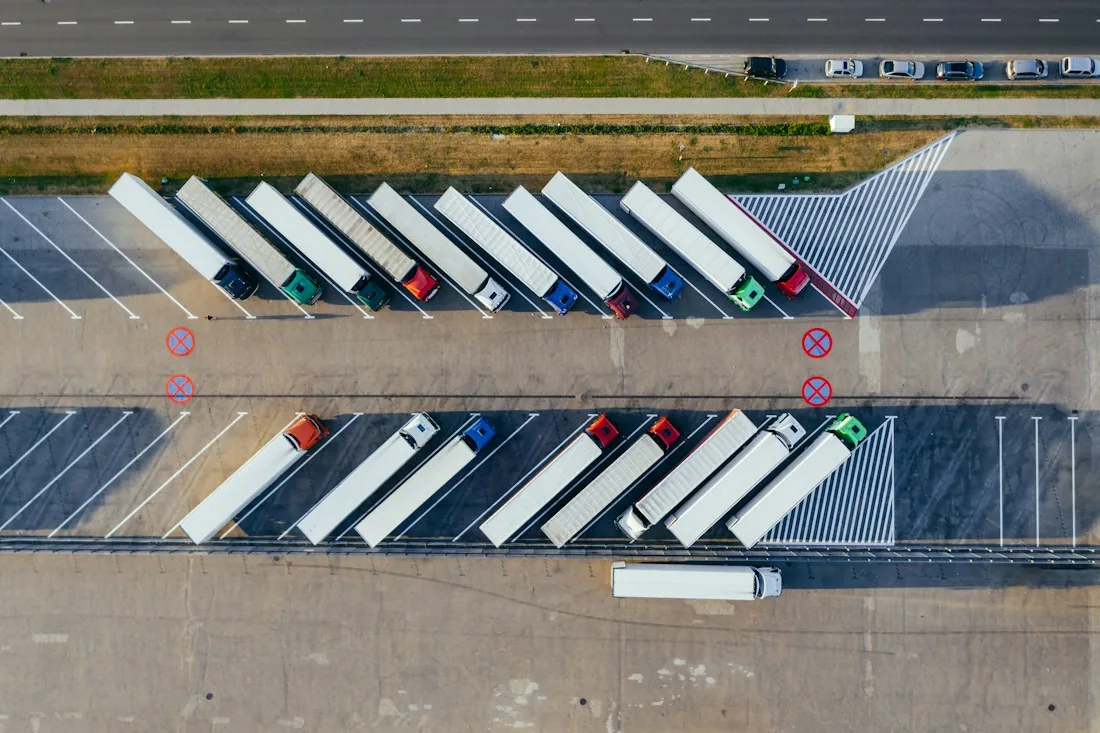
Logistics Management helps transport and distribution teams organise the work between dispatch and delivery. Route plans, vehicle activity and driver assignments are recorded together, so managers can see which vehicle and driver hold each delivery and follow the work in progress. Available from Africube for Zimbabwean fleet operators and distribution businesses, the system is configured around the transport activities you need to manage.
Manage vehicles as part of the transport workflow. Keep fleet activity connected to the distribution tasks being planned and carried out.
Coordinate routing and delivery planning around your distribution work. Give dispatch teams a defined plan for assigning and following transport tasks.
Link drivers with the deliveries or distribution tasks they are responsible for. Bring driver assignment into the same planning process as routes and vehicles.
Monitor delivery operations from a central view. Help the operations team understand the work in progress and coordinate the next dispatch decisions.
Real-time vehicle tracking is available where included in the agreed setup. Africube will confirm the tracking arrangements required for your fleet during the requirements discussion.
Use the central operations dashboard and reporting capabilities to review fleet and distribution activity. Agree the views and report detail needed by your dispatch and management teams.
A typical sequence; the configuration is agreed for each implementation.
Identify the transport tasks to be planned for the operating period.
Organise the delivery plan around the required distribution activity.
Make responsibility for each transport task clear before dispatch.
Put the planned delivery activity into operation.
Follow logistics activity centrally, using vehicle tracking where configured.
Use the available operational information to assess the distribution work.
Review logistics activity through the operations dashboard.
Follow delivery work and the drivers responsible through the agreed operational views.
Review vehicle activity, including current positions when tracking is part of your setup.
Discuss fleet size, delivery patterns, driver assignment and the information your dispatch team needs. Tracking, remote access, connectivity arrangements and any connection to existing business systems are agreed against your operational requirements.
Discuss your requirementsYes. Driver assignment is part of the delivery-management workflow. A demonstration can follow the way your operations team allocates work to vehicles and drivers.
Real-time vehicle tracking is an available capability. Africube will confirm whether it is included in your proposed configuration and what tracking arrangements the fleet requires.
Bring an outline of your fleet, regular delivery patterns, dispatch responsibilities and current reporting process. Include any existing tracking or business systems that need to be considered.
Any connection between systems is assessed and scoped separately.
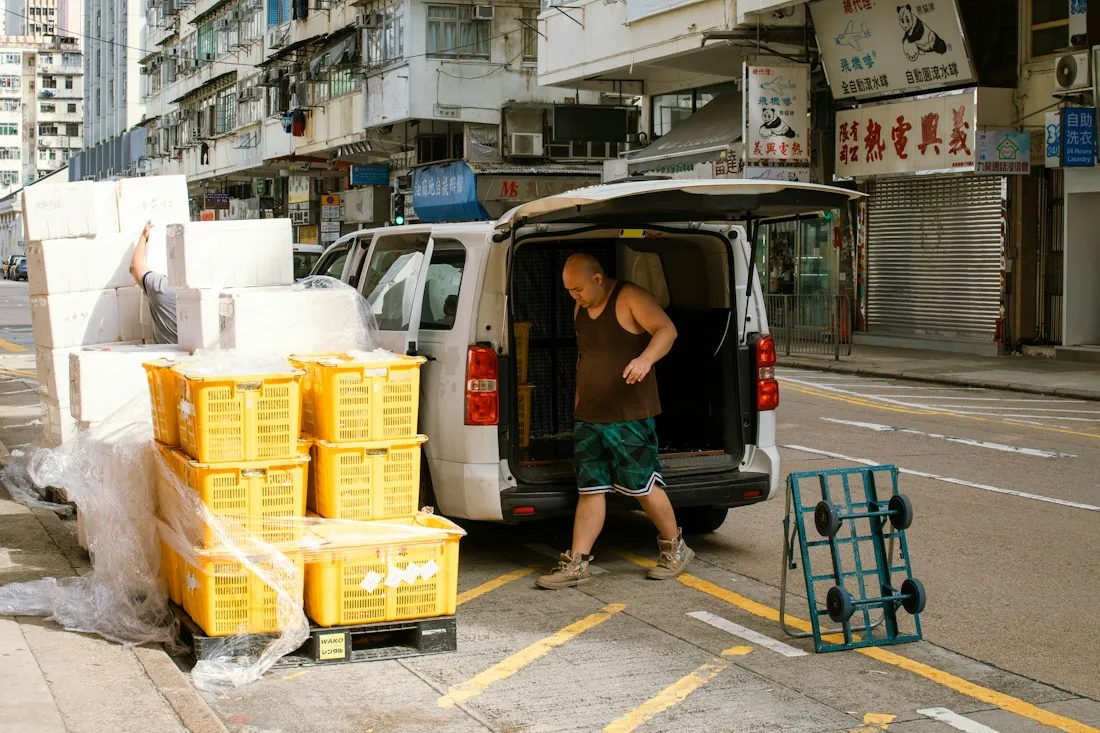
Manage field sales, customer coverage and distribution from vehicle loading to route reconciliation.
Explore Route Sales
Connect applications around defined data flows, field mappings and business rules, with compatibility assessed for the systems you use.
Explore Systems & API IntegrationTell us what you use today and what needs to work better, and we will show you the software against your requirements.